
The Lifecycle of an IT Asset
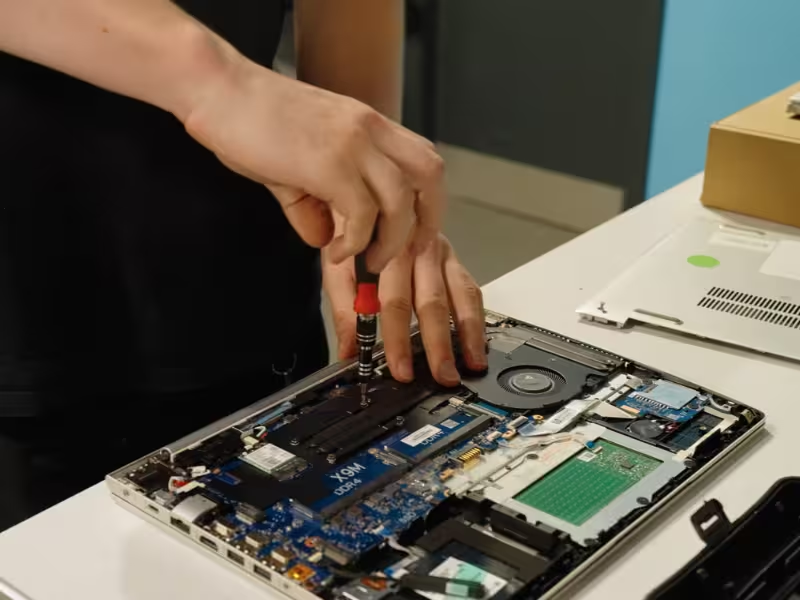
Every laptop, desktop, and server inside an organisation has a journey. It begins the moment it is purchased and ends when the device finally leaves the business for good.
What often gets missed is everything that happens in the middle.
For many organisations, IT assets quietly move through years of use with very little visibility. Devices are deployed, reassigned, upgraded, stored in cupboards, or forgotten entirely. By the time equipment is finally replaced, the trail can be unclear and the risks much higher than expected.
Understanding the full lifecycle of an IT asset helps organisations control costs, protect data, and make far better use of the technology they already own.
1. Procurement and deployment
The lifecycle begins when equipment is purchased and rolled out to staff.
This might involve brand new devices, or refurbished hardware selected to stretch budgets further while still meeting performance requirements.
What matters most at this stage is visibility. Knowing exactly what has been bought, where it has been deployed, and who is responsible for it forms the foundation of good asset management.
Simple details such as serial numbers, asset tags, and user assignments might seem administrative, but they prevent far bigger problems later on. Without them, devices quickly disappear from view.
When organisations skip proper tracking at this stage, the same pattern often follows. Equipment gets lost between departments, duplicate purchases creep in, and IT teams spend valuable time trying to figure out what they actually own.
2. Active use and day to day management
Once deployed, assets enter the longest phase of their lifecycle. This is where they support daily operations, staff productivity, and core services.
Over time, devices move around the organisation. Laptops get reassigned, desktops are relocated, and hardware is upgraded or repaired. These changes are normal, but they can quickly create gaps in asset records if they are not tracked properly.
Regular asset reviews help maintain accuracy. Even simple checks can highlight devices that have been moved, retired, or left unused.
Without these updates, organisations slowly lose sight of their equipment. It becomes harder to plan refresh cycles, harder to manage security risks, and harder to understand where IT budgets are really being spent.
3. Refresh, reuse, and redeployment
Eventually, equipment begins to struggle with the demands of its original role.
At this point many organisations assume replacement is the only option. In reality, this stage often presents an opportunity to extend the life of existing devices.
A laptop that can no longer handle heavy workloads may still perform perfectly well for lighter tasks. Older desktops might be ideal for temporary staff, training rooms, or administrative roles.
Redeploying assets internally helps organisations extract far more value from their technology. It reduces unnecessary purchases and spreads the benefit of existing equipment across more teams.
4. Decommissioning and removal
When an asset genuinely reaches the end of its useful life within the organisation, it needs to be formally removed from service.
This step is often more complex than it appears. Devices must be identified, disconnected from systems, and safely removed without disrupting live environments.
Where decommissioning is rushed or poorly planned, it can create unnecessary disruption for staff and increase the risk of equipment being misplaced or mishandled.
A structured process ensures devices are logged, scheduled for removal, and properly accounted for as they leave the organisation.
5. Data sanitisation and security
Before any equipment leaves the business, data security becomes the priority.
Every device that has stored information represents a potential risk until that data has been completely removed.
Certified data sanitisation ensures that information is permanently erased and cannot be recovered. In some cases, physical destruction of storage media is required to meet compliance or regulatory requirements.
For organisations handling sensitive data, this stage is critical. It provides assurance that information has been dealt with properly and creates an auditable record of the process.
6. Reuse, resale, or recycling
The final stage determines what happens next.
Devices that still hold value can be refurbished and reused or resold, extending their lifespan and supporting a more sustainable technology ecosystem. Equipment that has truly reached the end of its life is responsibly recycled so that valuable materials can be recovered.
Handled correctly, this stage can reduce electronic waste, support environmental targets, and even return value back into your IT budget.
It also creates a clear and documented end point for every asset that has passed through the organisation.
Why the lifecycle of IT assets matters
When organisations treat each stage of the lifecycle as part of a connected process, IT asset management becomes far easier to control.
Clear visibility from procurement through to disposal reduces financial waste, strengthens data security, and prevents equipment from quietly disappearing into storage rooms or forgotten cupboards.
Instead of being an afterthought, the lifecycle of an IT asset becomes something organisations can actively manage.
And when that happens, IT equipment stops being a source of uncertainty and starts becoming a well managed, accountable part of the business.

Similar Insights
Practical knowledge, industry trends, and security insights, helping you make smarter IT decisions.
.avif)





.svg)