
Planning Your IT Refresh for the New Year
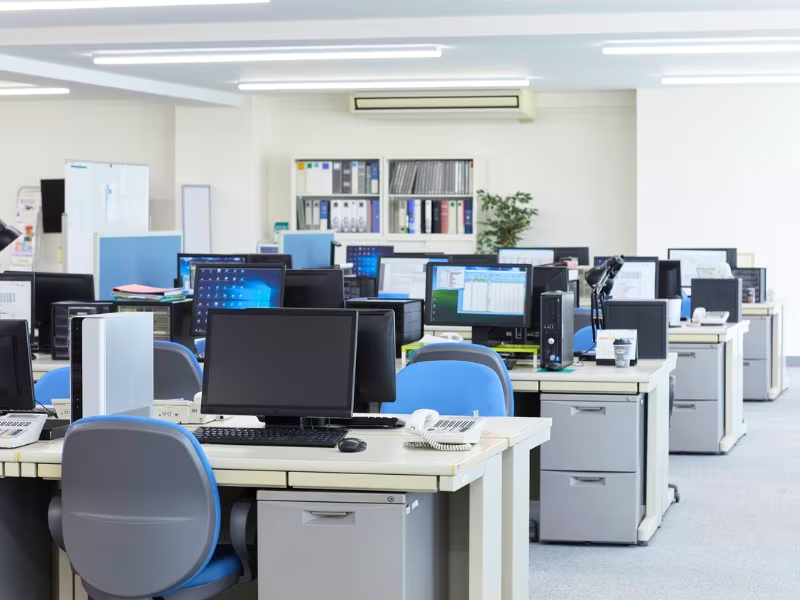
The new year is often when businesses start thinking about upgrading their IT infrastracture with new devices, but without proper planning, an IT refresh can quickly turn into a costly, disruptive project that creates more problems than it solves.
Rushed decisions, unclear responsibilities, and overlooked compliance requirements are some of the most common risks businesses face when refreshing their IT. These issues can lead to unexpected downtime, data security concerns, delays to staff productivity, and unnecessary waste. Planning ahead helps you avoid these pitfalls and ensures your refresh delivers real value.
The risks of not planning your IT refresh properly
When IT refresh projects are handled reactively or at the last minute, businesses often experience:
- Extended downtime due to poor scheduling or lack of internal resource
- Data security risks from improper disposal of redundant assets
- Compliance gaps when old equipment is not handled correctly
- Insufficient internal resource or expertise to safely remove existing hardware Budget overruns caused by emergency purchases Disruption to staff who are left without working equipment
A structured approach allows you to manage your costs, reduce disruption, and make better use of both new and existing technology.
IT Procurement: Choosing the ideal hardware from the start
An effective IT refresh begins with procurement that is aligned to your actual business needs. Using your budget on the wrong specifications, overbuying, or underestimating future requirements can lock you into poor performance for years.
Planned procurement helps you select devices that suit your users, workloads, and growth plans. It also allows time to consider refurbished options where appropriate, helping you reduce costs and environmental impact without compromising reliability.
By getting in touch with our team, we take the time to properly discuss and identify and the ideal solution for your business and provide said equipment with minimal fuss.
IT Decommissioning: Removing old equipment safely and efficiently
Now that you have your new equipment, the next appropriate step of an IT refresh is decommissioning. Many businesses find themselves not having the time or internal resource to remove equipment quickly and securely.
Proper decommissioning ensures laptops, desktops, monitors, and even comms room equipment are removed with minimal disruption. It reduces the risk of data being left behind, frees up valuable space, and allows your refresh project to stay on schedule.
At Rapid IT, we have provided decommissioning services for many large corporate entities, making sure that all redundant equipment is packaged up and transported quickly and efficiently, with some jobs only taking a day’s work.
IT Installation: Getting new technology working without disruption
Installing new IT should not bring your business to a halt. Poorly planned installations can leave your staff with equipment not working as it should, often resulting in lost productivity and extended changeover periods.
With the right planning, an IT installation can be staged, coordinated, and completed efficiently.
IT Asset Disposal: Staying compliant and protecting your data
When your old equipment leftover from your upgrade is no longer needed, it must be handled correctly. Improper disposal can expose your business to data breaches, compliance issues, and reputational damage.
IT Asset Disposal ensures devices are securely processed, data is handled responsibly, and you receive the documentation needed for audits and internal records. This is a critical part of risk management that should never be an afterthought.
IT Recycling: Reducing waste and creating impact
Not all equipment can be reused, but it should never be wasted. IT recycling ensures materials are processed responsibly, with a focus on reuse first and zero landfill wherever possible.
Incorporating recycling into your IT refresh supports sustainability goals, reduces environmental impact, and demonstrates responsible technology management to customers and stakeholders.
Start the year with a plan, not a problem
Planning your IT refresh is not just about buying new equipment. It is about managing the full lifecycle, from procurement and installation through to decommissioning, disposal, and recycling.
A well-planned IT refresh saves time, reduces risk, controls costs, and helps your technology go further. Starting early and going with a professional IT lifecycle company can give you the space to make informed decisions and deliver a smoother, more successful upgrade for the year ahead.

Similar Insights
Practical knowledge, industry trends, and security insights, helping you make smarter IT decisions.





.svg)