
National Clean Out Your Computer Day

February 9th is National Clean Out Your Computer Day, a perfect reason to give your computer a bit of well-needed TLC. Over time, devices quietly collect things they don’t need, from unused files and software to literal dust inside the machine. A simple clean out can make a real difference to how well your tech performs and how long it lasts.
Whether you are using a laptop at home or managing equipment across a business, small habits can go a long way in keeping devices reliable and enjoyable to use.
Start with a digital tidy-up
One of the easiest places to begin is your files.
Old downloads, duplicate documents, unused programs, and outdated user accounts can all slow things down over time. Clearing out what you no longer need helps free up storage, improves performance, and makes it easier to find what actually matters.
If a device is being passed on, upgraded, or taken out of use entirely, it is important that old files are properly removed rather than just deleted. When computers leave our facility as refurbished devices, all storage is professionally wiped via software or hard drive shredding, so the next user starts with a clean slate and a fresh operating system, ready to go.
A clean computer works better
It is easy to forget that computers need physical care too.
Dust build-up inside laptops and desktops can cause overheating, fan noise, and reduced performance. This is something we see all the time when devices come in for refurbishment.
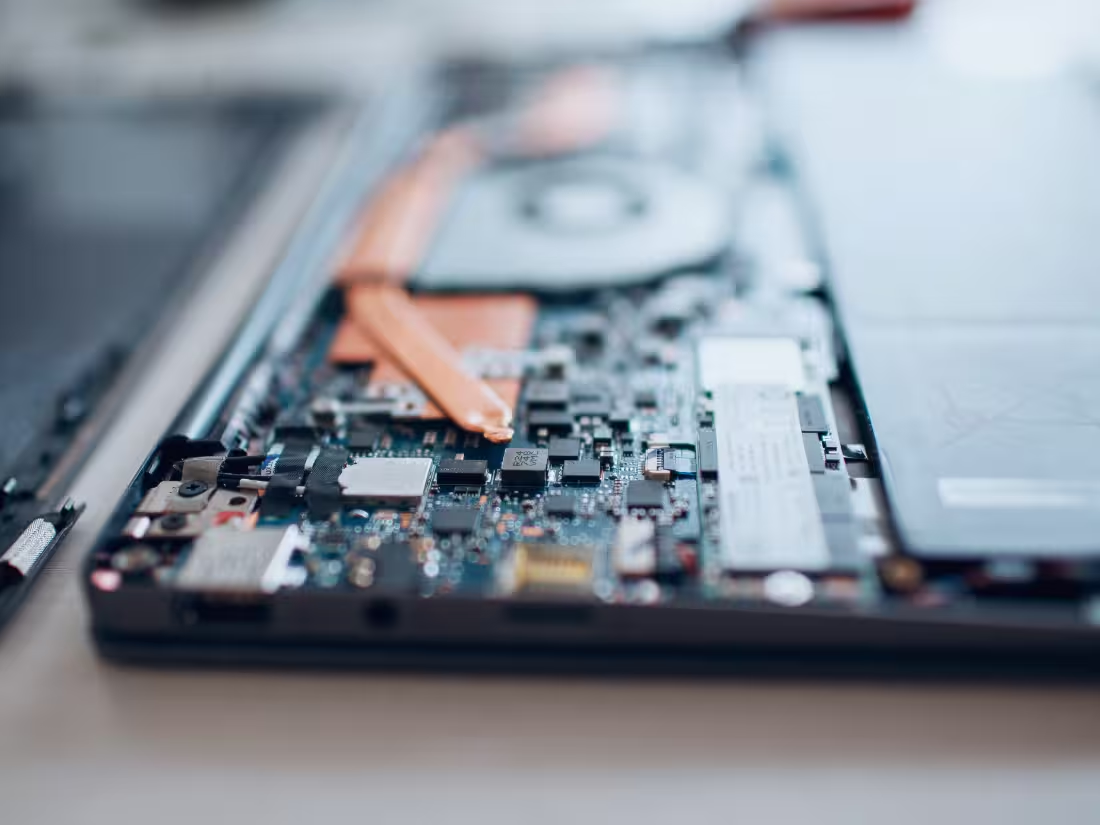
As part of our refurbishment process, devices are carefully opened, cleaned, and blown free of dust. Fans, vents, and internal components are cleared so air can flow properly again. Externally, cases are cleaned and refreshed, screens are checked, and keyboards and touchpads are repaired or replaced where needed.
It is amazing how much better a device can feel after a proper clean.
Small upgrades can extend a device’s life
A computer does not have to be brand new to feel fast and reliable.
During our refurbishment process, key components are tested and, where appropriate, upgraded or replaced. This can include fitting a new SSD, improving memory, or replacing a battery that no longer holds a good charge. If battery health drops below an acceptable level, it is replaced so the device can be used comfortably throughout the day.
These small improvements help devices stay in use for longer, which is better for both budgets and the environment.
When it is time to move on from a device
National Clean Out Your Computer Day is also a good moment to decide which devices are no longer needed at all.
Some can be refurbished and reused, others may be recycled responsibly. In all cases, data should be properly removed before a device leaves your control. This ensures personal and business information does not linger on old hardware and allows the device to be reused or recycled with confidence.
A fresh start for your tech
Cleaning out your computer is not about throwing things away. It is about looking after what you have, keeping devices running smoothly, and making smarter decisions when it is time to upgrade or move on.
Whether it is clearing out files, giving hardware a proper clean, or preparing a device for its next chapter, National Clean Out Your Computer Day is a reminder that a little care goes a long way in helping technology last longer and work better.

Similar Insights
Practical knowledge, industry trends, and security insights, helping you make smarter IT decisions.







.avif)

.svg)